Best Gaming Mouse Setups for Content Creators
What actually matters for editing and gameplay capture isn't just DPI numbers — programmable buttons, wireless comfort, and on-camera looks matter more.
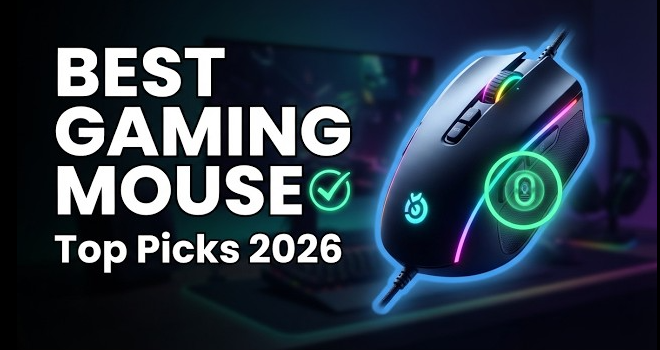
Content creators need a different checklist than pure gamers
Most "best gaming mouse" lists optimize for competitive FPS performance — DPI ceilings, click latency, gram-shaving weight. If you're also recording, streaming, or editing, a few other things matter just as much: how it looks on camera, whether it can trigger your OBS/Discord shortcuts, and whether it's comfortable through a long edit session, not just a match.
What actually matters for creators
- Programmable side buttons. Mapping mute, scene switches, or push-to-talk to a side button beats reaching for a keyboard shortcut mid-stream.
- Wireless, if it's on camera. A visible cable is a small but real production-value hit on webcam-heavy streams or B-roll.
- Weight and shape for long sessions. Editing timelines for hours is a different kind of strain than a 20-minute match — comfort matters more than ultralight racing weight here.
- RGB/branding, if it's in frame. Purely cosmetic, but a coordinated setup reads as more professional on stream.
A few real options worth knowing
| Mouse | Why it fits creators |
|---|---|
| Logitech G502 X Plus | Wireless, 13 programmable buttons — enough to cover OBS and Discord shortcuts without a separate macro pad |
| Logitech G Pro X Superlight | The mouse most frequently seen in working streamers' setups — light, wireless, no-frills reliability |
| Corsair Scimitar Elite Wireless SE | 12 side buttons that can double as a Stream Deck via Elgato integration — genuinely useful for live production |
| Razer options (Viper/DeathAdder line) | Chroma RGB ecosystem syncs lighting across a whole desk setup for a coordinated on-camera look |
The bottom line
DPI numbers get all the marketing attention, but for a creator, programmable buttons and wireless comfort do more for your actual workflow than another few thousand DPI you'll never use. Match the mouse to your setup — button count if you stream live, weight and shape if you're mostly editing.